Should Real Estate Agents Remove Metadata Before Listing Photos?
Protect your listings and client privacy by removing hidden data from property photos. Learn how metadata can expose sensitive information.
Short answer: yes.
If you publish listing photos with EXIF metadata still inside, you may be sharing:
- the exact address of the property (GPS),
- timing patterns (when the house is likely empty),
- and clues about valuable equipment.
The good news? You can clean metadata in a few minutes and make it part of your normal pre-listing workflow.
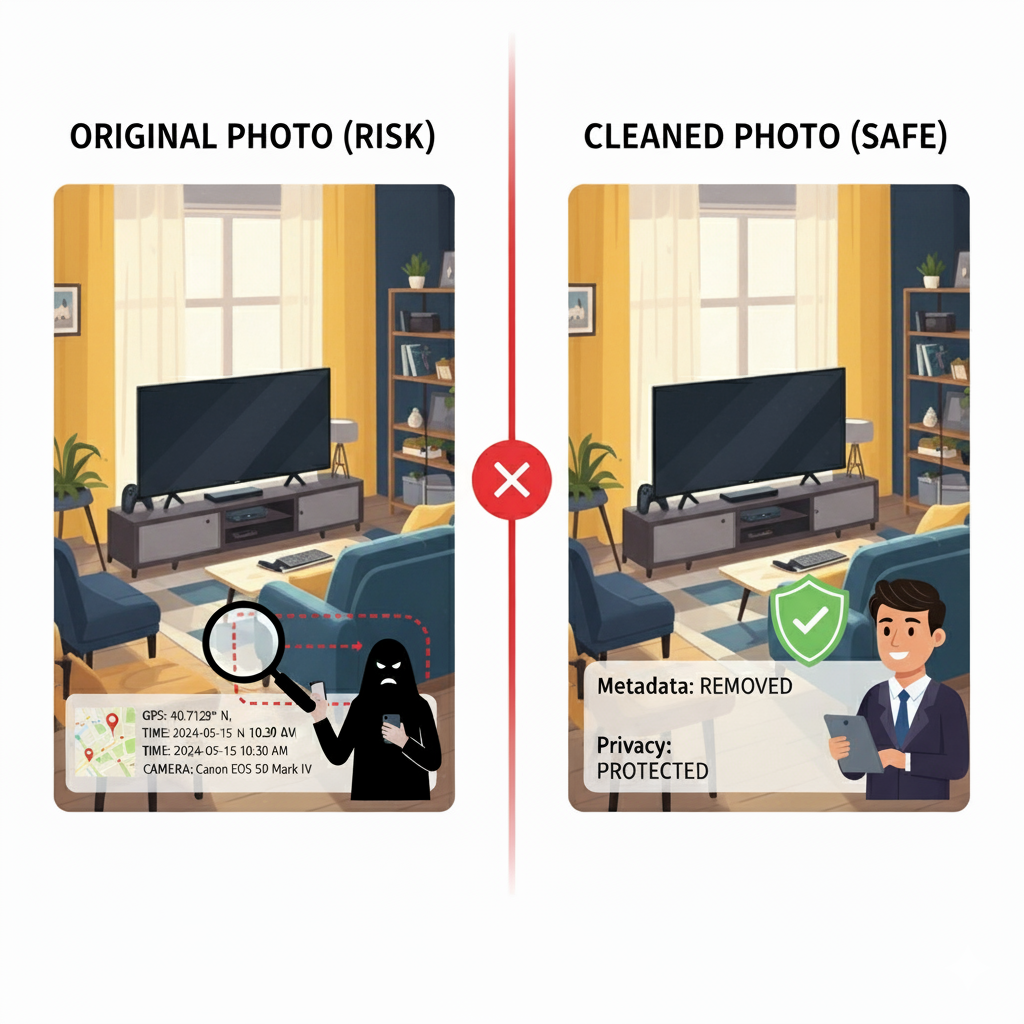
Q: Why should real estate agents care about hidden data in listing photos?
Every property photo carries photo metadata.
Not just the pixels. Also time, device model, and very often the GPS coordinates of the property.
For a buyer, it's just a nice living room shot. For the wrong person, it can be a map to expensive tech and hints about when the house is empty.
As an agent, you don't just sell square meters. You're also the guardian of your client's privacy.
That's why metadata privacy and basic metadata cleanup should be part of the job, not a tech hobby.
If you remove metadata from photos before uploading them to portals or social media, you cut risk for the client and for yourself.
It's as basic as locking the door after a viewing.
Your listing photos should work as marketing. Not as a silent tracking tag on your client's home.
(If you've never seen metadata before, pick one old listing photo and open it in any EXIF viewer – it's a nice little jump scare.)
Q: What exactly is image metadata – and why does it matter?
Every digital photo contains EXIF metadata – a small block of hidden information attached to the file:
- time and date of the shot
- device type (camera or phone)
- exposure details
- and very often location data – GPS coordinates of where the photo was taken
Think of it as the ID card of the image.
Great for photographers managing thousands of files. Much less great when you're publishing someone's home online.
Imagine this:
- The owner insists the exact address should stay private.
- You respect that in the text, but you upload a photo taken in the backyard.
- The EXIF metadata still holds the GPS coordinates.
One quick metadata check and the full address is on the screen.
Hidden data in a photo is like leaving the key in the front door. Everything "works", just not necessarily for the right person.
Q: What are the real risks if I ignore metadata?
Here are three very real situations that happen more often than people admit.
1. The exact location of the house
You take photos with geotagging turned on. You upload them to portals and social media.
Anyone with a basic tool can extract the location data and drop the house onto a map.
2. When the house is likely empty
Metadata shows when photos were taken.
For rentals, second homes or high-end villas, that can reveal patterns – days or times when nobody is usually around.
Combine that with public listing dates and social media… and someone can guess when the property is most vulnerable.
3. What kind of equipment is inside
EXIF can reveal camera models and sometimes workflow details.
For a high-end home full of gadgets, that's one more signal that there is valuable gear inside and that the owner (or photographer) has money to spend.
The MLS doesn't need to know exactly where the owner's grill stands. Neither does the person who downloads your photos and runs them through a metadata viewer on a Sunday evening.
Q: How can I remove metadata from photos before listing?
You basically have three options, each with clear trade-offs.
1. Manual EXIF removal on your computer or phone
You use built-in tools in Windows, macOS or your phone gallery to wipe metadata.
Pros:
- free, uses tools you already have
- no extra accounts or services
Cons:
- slow for large batches
- every system works differently
- easy to miss a few images
For a single small rental once in a while, this is fine. If you handle dozens of listings a month, it turns into busywork.
2. Export without metadata from editing software
Apps like Lightroom let you strip EXIF data on export.
Pros:
- fits naturally into a pro photography workflow
- you can save a preset and reuse it
- nice for photographers who want full control
Cons:
- you must remember to use the "no metadata" export every time
- you may want one version with metadata for your own archive and a second, "clean" version for web and portals
If you already live inside Lightroom or Capture One, this works well. If you just need safe photos for portals, it can feel like overkill.
3. Use an online metadata remover (e.g. DropTidy)
Here you pass your photos through a specialized metadata scrubber built for metadata removal.
DropTidy works as an online metadata remover with full in-browser cleanup – the image never leaves your device, all processing happens locally in the browser.
In one step you can:
- remove GPS coordinates,
- remove camera info,
- and strip most image metadata,
while keeping the pixels exactly the same.
No uploads to third-party servers, which is ideal for strict photo privacy policies in bigger agencies.
Trade-off: It's one extra step in your workflow and your team needs a five-minute intro.
But after that, even a brand-new junior can run a batch of listing photos without breaking anything.
All three options remove metadata. The real question: do you want to spend seconds, minutes, or an evening doing it?
Q: Is there a simple pre-listing checklist I can follow?
Yes. Here's a realistic checklist you can drop into your office handbook and actually use.
Pre-listing metadata checklist for agents
-
Before shooting: Turn off geotagging on your phone or camera, when possible.
-
After the shoot: Keep the original files for yourself and create a copy for online use.
-
Clean the online copy: Run that copy through a tool to remove metadata from images – focus on remove location data, remove personal data from photos and general camera data removal.
-
Verify the result: Open one cleaned photo in a metadata viewer and check that photo metadata is empty or harmless.
-
Only then upload: Use the cleaned set for MLS, portals and social media as part of secure photo sharing.
This sequence is shorter than your checklist for a viewing. And it can save you from a very awkward phone call with a client who just found their address in a random app.
If you want to make it visual inside your team, add a screenshot of an EXIF viewer with GPS data highlighted – that single picture explains the risk better than a full page of text.
Q: How does DropTidy fit into a normal real estate workflow?
In daily practice, the simplest setup looks like this:
- Open DropTidy in your browser.
- Drag in your listing photos (the online copies).
- Let the full in-browser cleanup run – no files leave your device.
- Download the cleaned set and upload those to your listing tools.
In this role, DropTidy acts as both an EXIF cleaner and a practical metadata remover for the whole office.
- Agents can protect photo privacy for clients without worrying about technical details.
- Marketing knows that every safe photo upload goes out with hidden data already stripped.
- Management gets one less metadata risk on the compliance list.
It's a small extra step. But it signals to clients that you treat their home as more than content for your Instagram feed.
You can link directly to the tool from your internal playbook or SOP:
https://droptidy.com– "Clean listing photos before publishing."
Q: What's the bottom line for agents?
Good photos help you win viewings and offers. Sloppy metadata handling can quietly betray your client's privacy.
You already care about home staging, good copy and campaign timing. Here's one more question to add:
Are you publishing just photos – or also the hidden data behind your clients' lives?
If you're not sure, test yourself:
- Take one old listing photo.
- Open its photo metadata.
- See what a stranger could learn in under a minute.
If that review feels uncomfortable, that's your signal to update the way you work.
Add one simple rule to your process: remove metadata before listing.
Try DropTidy as a fast way to clean photo metadata for your next batch of listings.
Start here: visit DropTidy.com and see how quickly you can remove metadata from the photos you're about to publish.
Let your photos tell the story of the house – not the GPS diary of its owner.
Ever been surprised by what your photo revealed? Tell us in the comments. Or ask us anything.
FAQ: Real Estate Photo Privacy
Q: Do MLS platforms automatically remove metadata?
A: Not always. Some platforms strip some metadata, but many don't remove all GPS and EXIF data. It's safer to clean photos yourself before uploading.
Q: Will removing metadata affect how listing photos display?
A: No. Metadata removal doesn't change the visual appearance, resolution, or quality of photos. Only the hidden data is removed.
Q: Should I remove metadata from interior AND exterior photos?
A: Yes. Both can contain GPS coordinates. Exterior shots obviously reveal location, but interior shots can also have embedded GPS from where they were taken.
Q: Can buyers use metadata to lowball offers?
A: Potentially. Timestamps could reveal how long a property has been photographed/listed, and GPS data combined with public records could provide leverage in negotiations.
Q: Is it legal to remove metadata from listing photos?
A: Absolutely. Removing metadata is a privacy best practice and doesn't violate any real estate regulations. You're still presenting accurate photos, just without hidden tracking data.

Written by droptidy
DropTidy helps you protect your privacy by removing hidden metadata from your photos. Learn more about keeping your digital life secure.
Related Articles
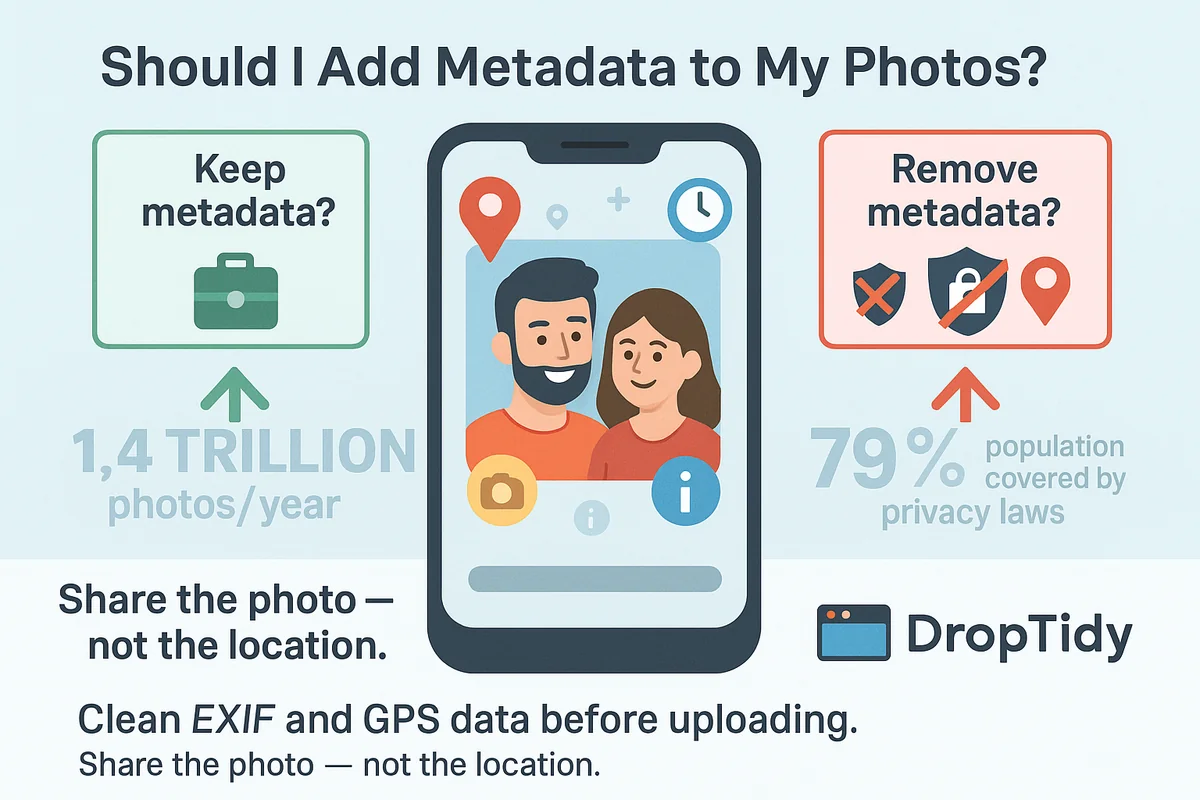
Should I Add Metadata to My Photos?
Learn about photo metadata risks and benefits. Discover when to keep metadata and when to remove it for privacy protection.
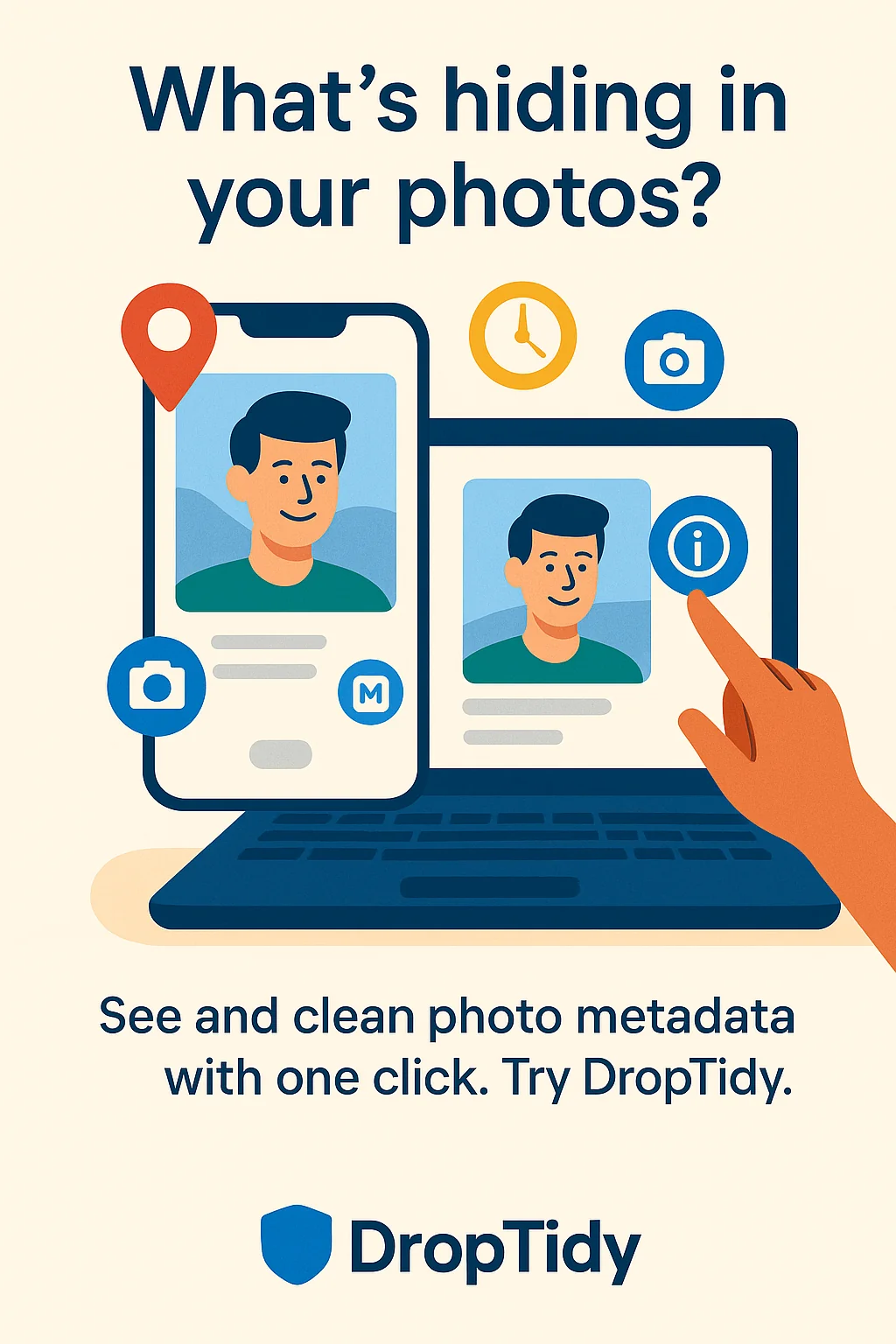
How to See the Metadata in a Photo
Ever posted a photo without a second thought? Learn what hidden data your images reveal and how to check and remove photo metadata on any device.

Dating Profile Picture Safety: How to Hide Hidden Data in Your Photos
A quick guide for singles who don't want to share more than their smile